SUAPP ELF + SketchUp
Streamline your modeling process with powerful, easy-to-use tools that enhance productivity and creativity.
SUAPP ELF requires SketchUp 2019 or newer. (AIFlow Elf requires SketchUp 2023 or newer)
Step1
Install the plugins
Open the Extension Manager in SketchUp, then click Install Extension, and select the plugin you just downloaded.
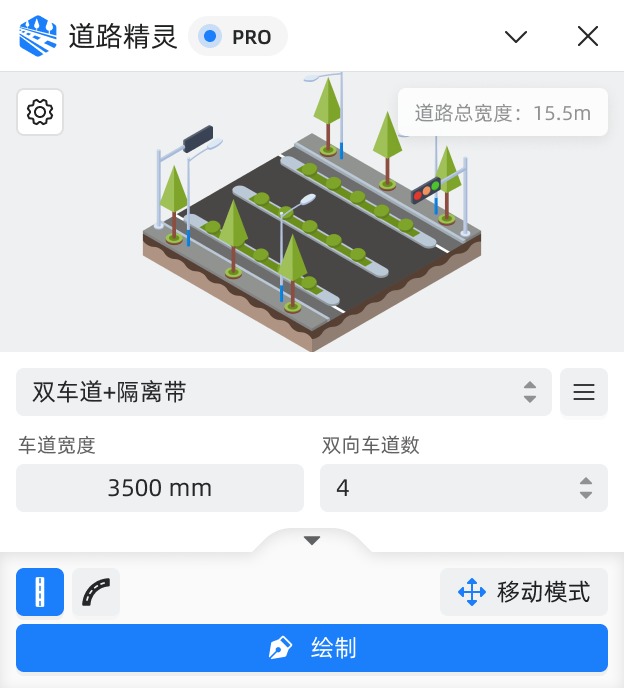
Road Elf
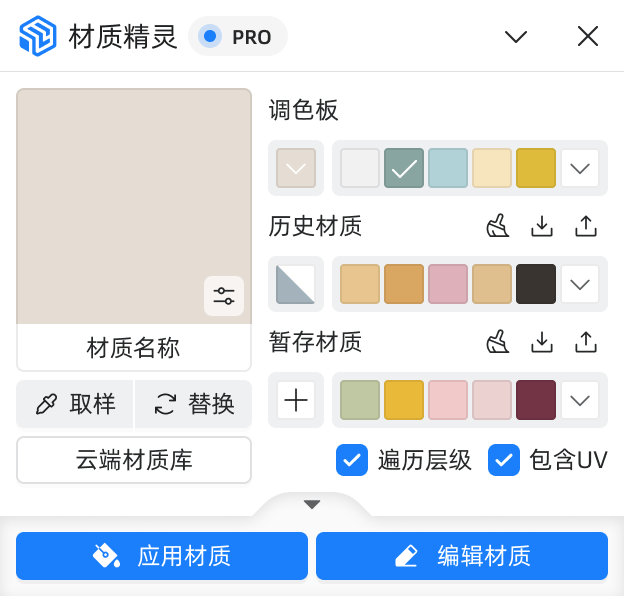
Material Elf
MakeFace Elf
CleanUp Elf
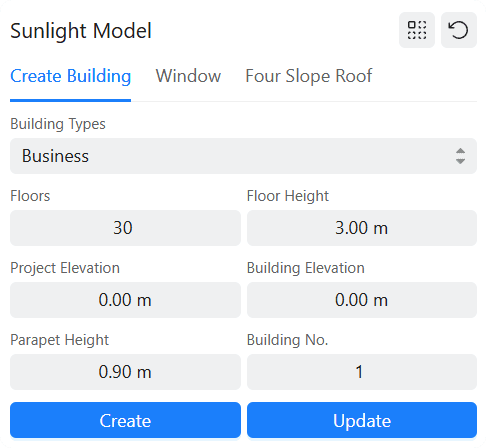
Sunlight Elf
Selection Elf
AIFlow Elf
HouseLayout Elf
Step2
Download the plugins
Just click the plugin button you are interested in, and the download will start automatically.
 suapp_road_elf_v1.0.0.rbzsuapp_material_elf_v1.0.0.rbzsuapp_makeface_elf_v1.0.0.rbz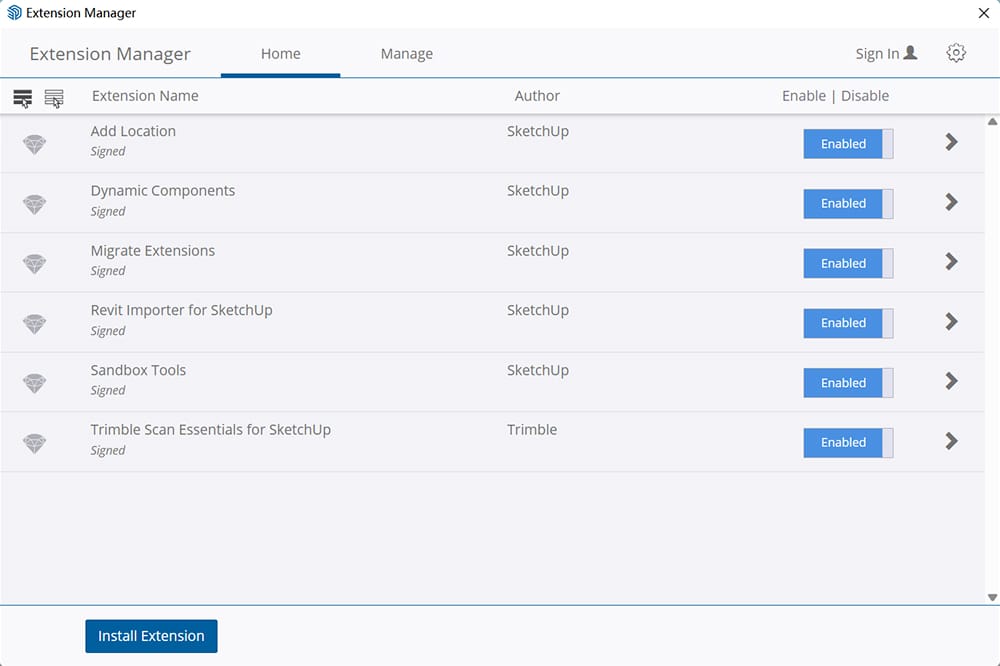
Step3
Start your creation
Use SUAPP ELF to help you create your first project! If you have any questions, please refer to the help documentation.
Learning how to use SUAPP ELF?
View Documentation